
 Team AIAnnum

Introduction to Python Dask and Ray data pipelines
This article targets Python practitioners building ETL and ML preprocessing pipelines with Dask and Ray. The focus keyword is Python Dask and Ray data pipelines, and the steps below assume you operate at the code and infra level, not at a conceptual overview level.
We use benchmark centric recommendations to show when to prefer Dask or Ray, how to tune memory and scheduler settings, and practical partitioning and chunking patterns you can reproduce. Expect runnable snippets and observability tips for real production workloads.
Benchmark driven methodology
Begin every optimization with a repeatable benchmark, one that fixes input size, schema, and a small set of representative transformations. Keep the environment variables, Python version, and library versions captured so results are reproducible across runs.
Capture wall clock time, CPU utilization, memory peak, and task retries. Use simple iteration to compare knobs such as partition size, number of workers, and scheduler options. A minimal checklist helps keep experiments consistent:
- Fixed input sample with deterministic seed
- Single change per run to isolate impact
- Clear metrics collected in a CSV or time series store
Memory tuning for Dask and Ray
Memory pressure is the most common reason pipelines slow or fail. For Dask, set memory_target_fraction and worker memory limits through the worker config, and prefer spill to disk if your workload has large intermediate results. For Ray, control object store size and monitor object spilling through ray memory APIs.
When tuning, observe peak resident memory per worker, and watch for garbage collection stalls in long running tasks. If serialization cost is high, try alternative serializers such as cloudpickle with protocol tweaks or Dask native serialization for pandas and NumPy objects.
Scheduler and execution choices
Choose the scheduler according to workload shape. Dask distributed excels at dataframe and array workloads with many small tasks that can benefit from task fusion. Ray excels at actor style workloads and fine grained parallelism for CPU bound python functions.
Scheduler settings matter. For Dask, experiment with n_workers, threads_per_worker, and processes. For Ray, tune num_cpus and number of actors. Monitor task queuing to detect overload. Use this list when deciding:
- If work is dataframe centric, start with Dask distributed
- If you need actor state or fine grained task control, start with Ray
- Profile small representative jobs before committing to cluster size
Partitioning and chunking strategies
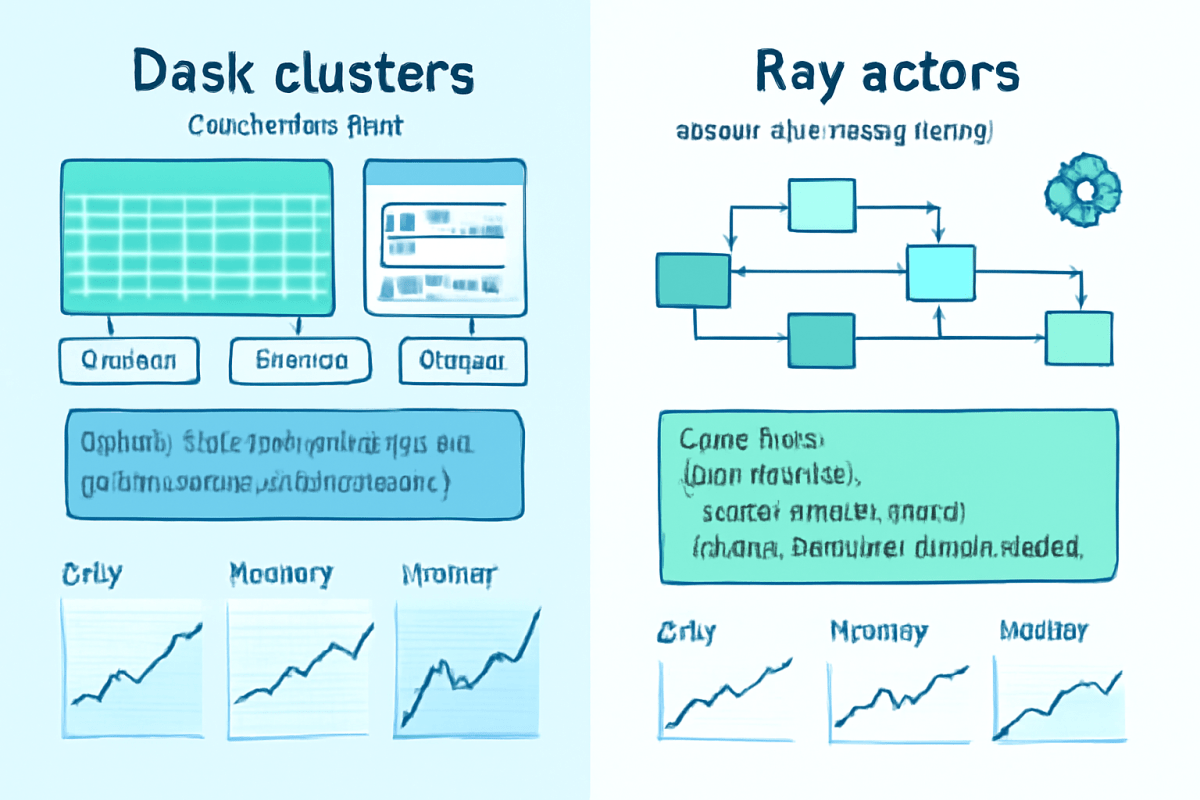
Partition size drives parallelism and overhead. Too many small partitions add scheduling overhead, too few large partitions reduce parallelism and increase memory pressure. Aim for partition sizes that fit comfortably in worker memory and allow useful parallelism.
For tabular ETL, target partition sizes in the tens to low hundreds of megabytes depending on node memory. For array processing, choose chunk sizes that align with CPU cache and vectorization patterns. Use these pragmatic rules:
- Measure average partition memory footprint on a sample run
- Adjust partitions so peak memory per worker stays below 70 percent of available memory
- Prefer increasing worker count over creating extremely small partitions
Debugging and observability
Use the Dask dashboard and Ray dashboard to inspect task graphs, durations, and resource usage. They expose per task timelines and task retries, which quickly surface stragglers and serialization hotspots. Export traces to a time series store for longer term trends.
Instrument code with lightweight profilers and logging at the transformation boundary. Add checksums or row counts after major steps to catch silent data corruption. When a job fails intermittently, capture stderr logs and a minimal reproducer with the same input slice used in the failing task.
Reproducible code snippets
Keep code minimal and parameterized so you can rerun benchmarks with different knobs. The snippet below shows a simple pipeline for both Dask and Ray, with explicit partitioning and a small compute function. Replace input paths and cluster setup as needed.
import dask.dataframe as dd
import ray

# Dask snippet
df = dd.read_parquet('s3://bucket/data')
df = df.repartition(partition_size='128MB')
result = df.map_partitions(lambda d: d.assign(x=d['a'] * 2)).compute()

# Ray snippet
ray.init(object_store_memory=2_000_000_000)
@ray.remote
def transform(df):
    df['x'] = df['a'] * 2
    return df
# split into chunks and submit
Parameterize partition size and worker count as variables so you can script multiple benchmark runs. Store results in a CSV for offline analysis.
Deployment and scaling patterns
For production ETL, favor autoscaling clusters with head nodes that can recover state and submit jobs. Use container images with pinned library versions to avoid subtle performance regressions from dependency changes. Keep worker memory and CPU settings explicit rather than relying on defaults.
When scaling horizontally, watch network bandwidth and object transfer rates. Large shuffle operations can become network bound, so try to reduce shuffle volume by pushing filters and projections down early in the pipeline. Also prefer local SSD spill when available for large intermediate datasets.
FAQs
This FAQ addresses common operational questions when running Python Dask and Ray data pipelines. These concise answers aim to remove blockers during tuning and debugging.
Read these as quick references while you iterate on benchmarks and deployment choices.
Q1: When should I use Dask instead of Ray?
Use Dask for dataframe and array centric workflows where partitioned dataframes and lazy evaluation map to existing pandas or NumPy code. Dask distributed also provides a mature dashboard for task inspection which helps for complex ETL jobs.
Q2: How do I reduce memory spills to disk?
Reduce peak memory by lowering partition size, increasing worker count, or enabling efficient serialization. Configure worker memory limits and allow controlled spilling to SSD if available, while avoiding too large intermediate objects.
Q3: What is the best way to find slow tasks?
Use the scheduler dashboard to view task durations and identify straggler tasks. Trace across retries and inspect serialization time for large objects. Add local logging inside suspect functions to measure runtime and memory use.
Q4: Can I mix Dask and Ray in one pipeline?
Yes, in some cases mixing is pragmatic. For example, use Dask for heavy dataframe processing and Ray for actor based model inference. Keep integration boundaries explicit and serialize only the minimal data needed to cross from one runtime to the other.
Conclusion
Optimizing Python Dask and Ray data pipelines is primarily about measurement, iterative tuning, and knowing the strengths of each runtime. Start with a repeatable benchmark, collect a consistent set of metrics, and change one parameter at a time. Tune partition sizes so they fit worker memory, choose scheduler options based on workload shape, and use dashboards to spot serialization and memory hotspots.
In production, automate benchmarking and pin runtime dependencies to avoid surprises. Favor autoscaling that preserves predictable worker resource settings, and adopt small reproducible reproducer files for failing tasks. With a benchmark driven approach you reduce guesswork, improve reliability, and achieve predictable performance for ETL and ML preprocessing workloads in Python using Dask and Ray.
Discover more from Aiannum.com
Subscribe to get the latest posts sent to your email.
